
Learn from a creator. Follow the change.
A single ranking shows a moment. Keep one public creator in view to understand what changes between samples and find questions worth exploring in your own work.
Context makes comparisons useful.
Explore creator comparisons, then choose one peer to track over time. Rankings and ongoing tracking serve different purposes: one helps you explore, the other builds a history.
TikSight Pro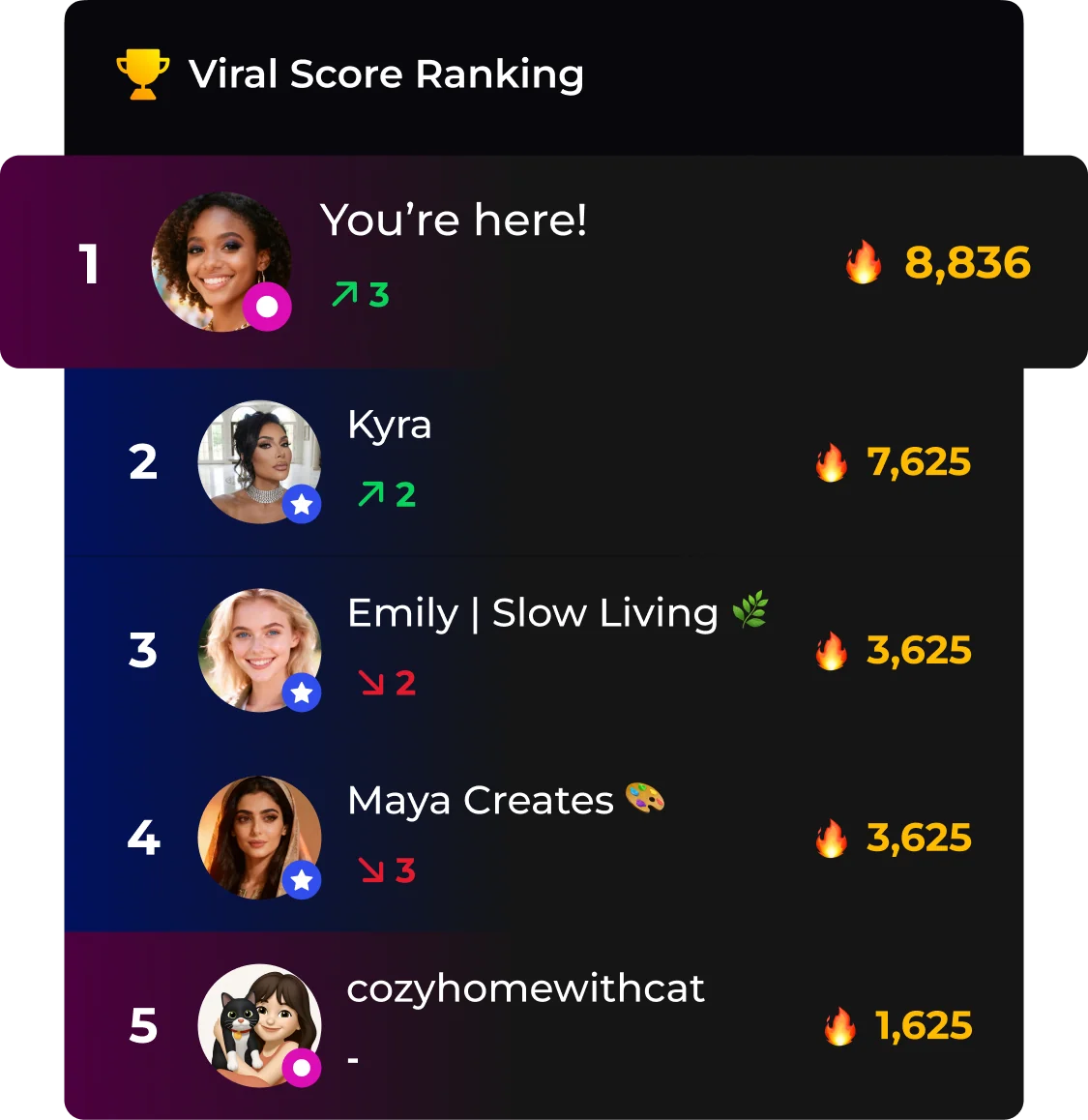
Three steps. Something useful to try.
- 01
Choose a public creator
With verified Pro access, go to Insight → Peers and explicitly start tracking a public profile. You can keep one peer in ongoing tracking at a time.
- 02
Read the sampling window
Review changes between actual snapshots. Recently discovered videos, new posts and matched-video growth are different signals; a missing sample is not a zero.
- 03
Keep, switch or pause
Continue with the same creator to build a useful baseline. Switching pauses the previous peer; pausing retains existing reviews. Resuming does not guarantee an immediate fresh sample.
A few things to know
How many peers can I track?
One peer can be tracked continuously at a time. You can switch the selected creator or pause tracking.
Can free users analyze another creator?
No. An active, server-verified Pro subscription is required for public-profile analysis. Free users connect their own profile through TikTok OAuth.
Why is there no weekly comparison yet?
A suitable historical baseline may not exist. TikSight does not label the most recent two samples as a week when they do not cover the required interval.
Turn a passing comparison into a useful observation.
Free download · Optional Pro subscription
Store availability and in-app purchase prices vary by region.